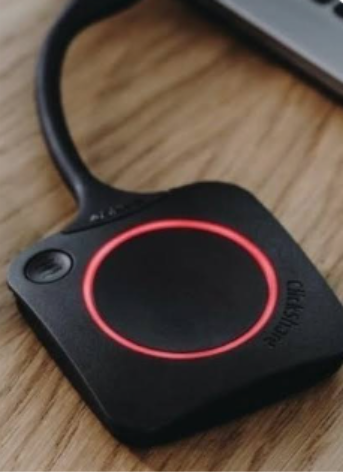
The TV carts have a bag attached on the backside. A black square puck with a tail is inside the bag.
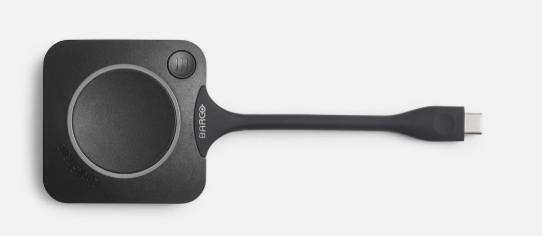
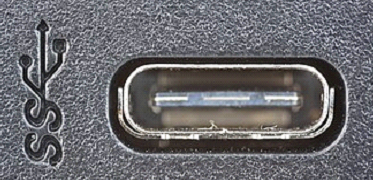
Plug in the puck to a USB-C port on your laptop.
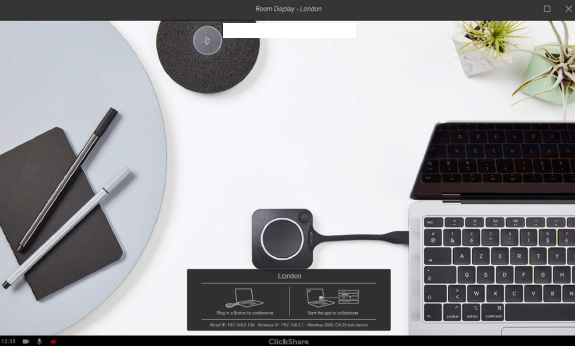
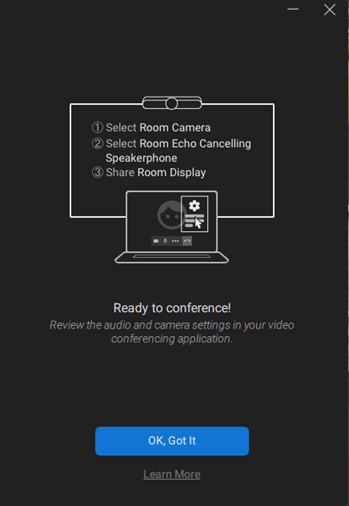
Wait for the big circle on the puck to completely turn white. You will see a message when it’s ready.
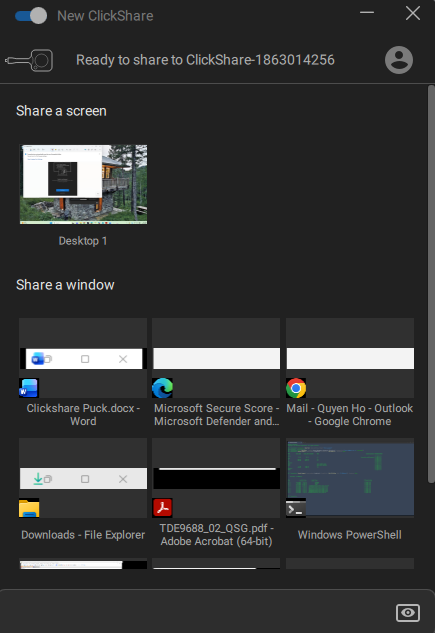
Choose what you want to share (Share a screen or a window).
The circle on the puck will turn red, you are now connected to the display.
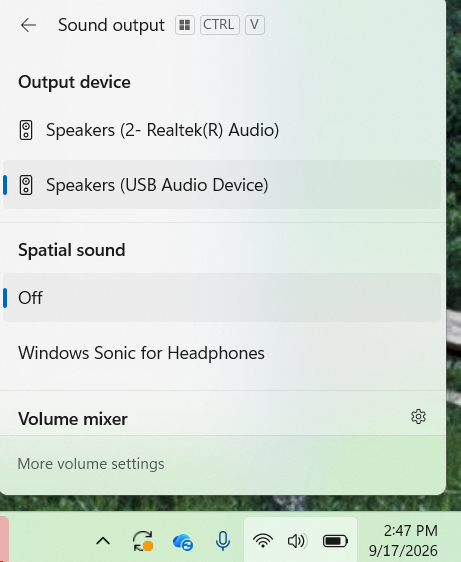
Sound Output on your laptop should be USB Audio Device.