Image reading from the audience perspective
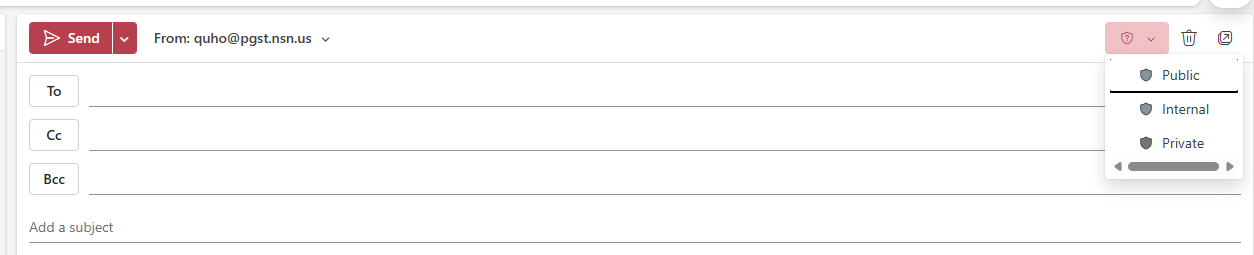
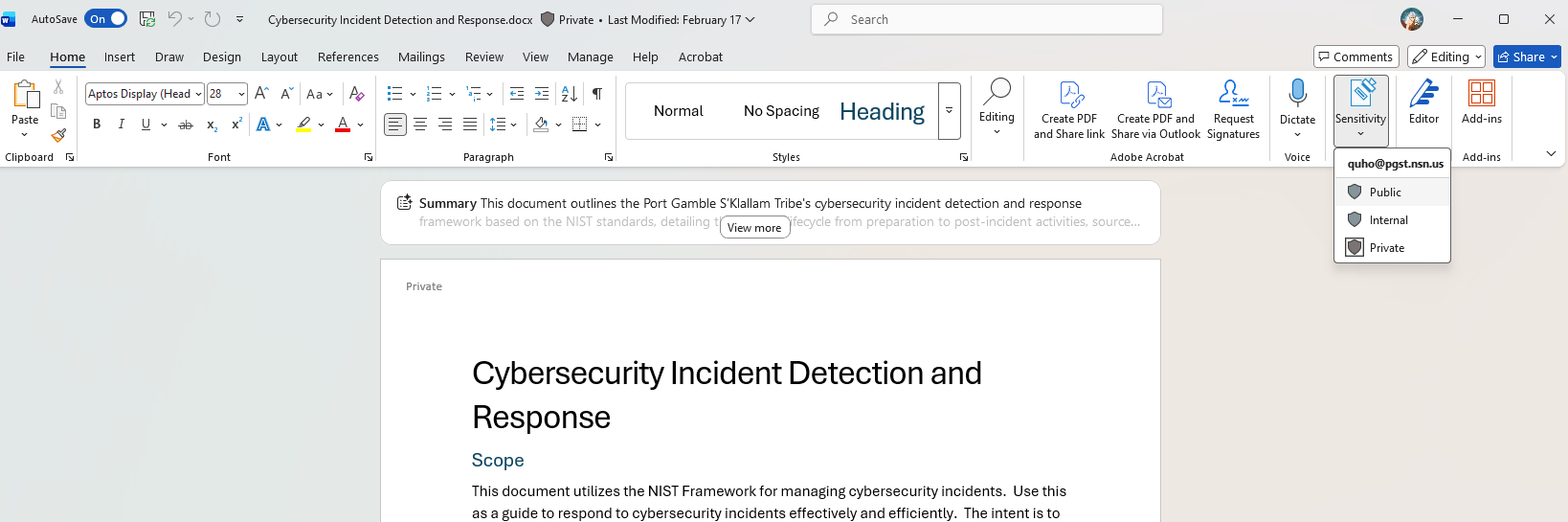
Open your document and locate on the control ribbon the Sensitivity buttonChoose the appropriate label for your document (Note: this does not instantly make you a more sensitive person).
Public: Everyone can view this, including external users (e.g. Memo, Departmental Flyers)
Internal: Meant for use by the PGST government (Directory phone numbers or email lists), cannot be shared outside PGST
Private: Limited audience (Home address, birthdays), cannot be shared outside PGST
This is an example in Word.
This can also be applied to an email.