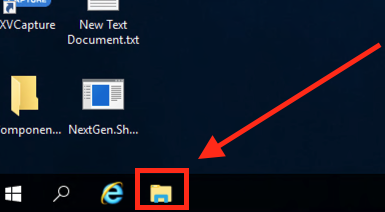
Start by opening File Explorer:
Once in File Explorer, click in the the Quick Access box:
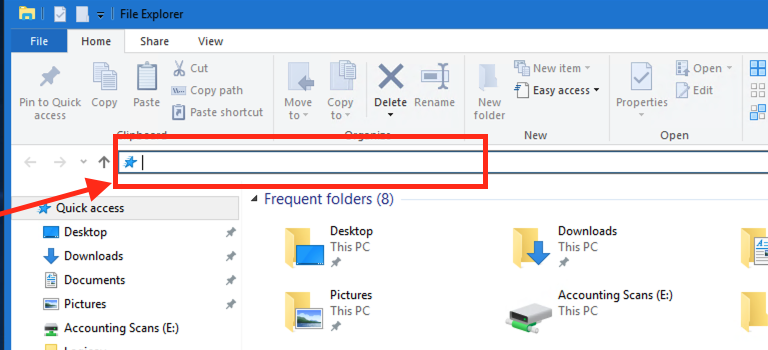
Next, type \\spencer1\ and hit enter:
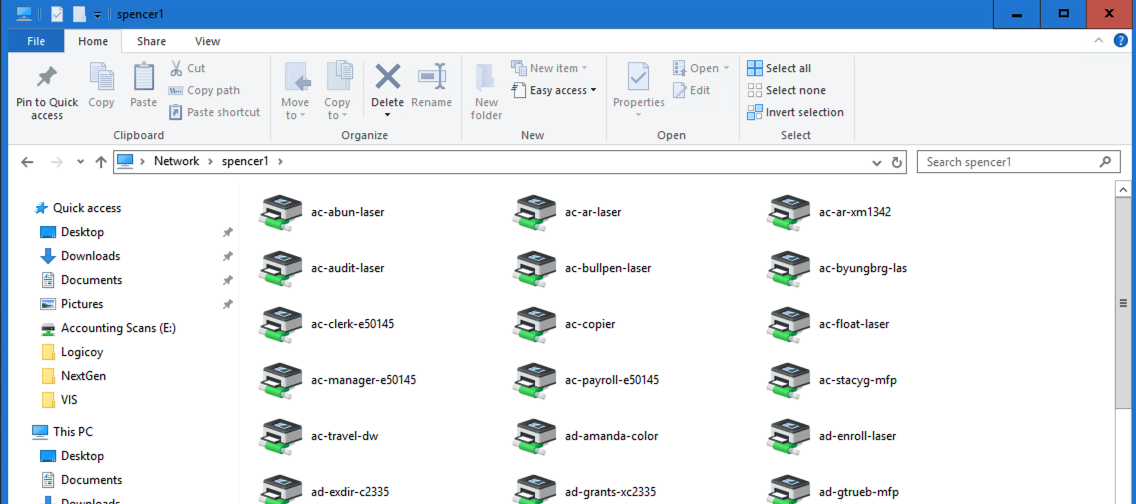
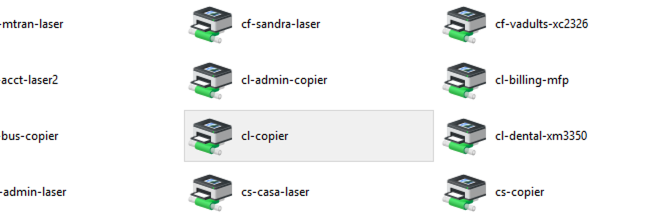
Find the printer you want to add and double click it:
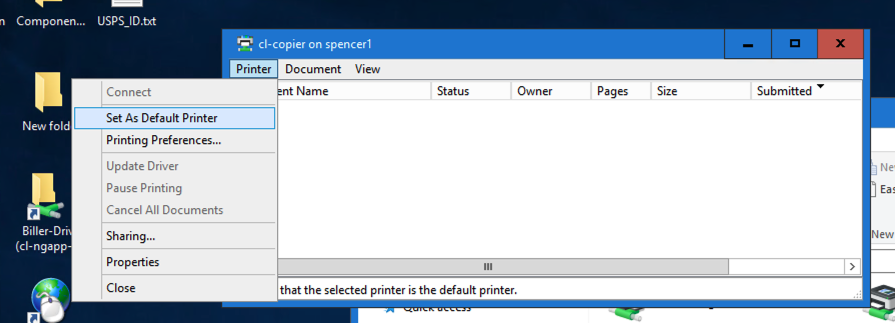
If you want to set this printer as default, when this box pops up, click on printer> set as default then close the text box. The printer has been added.